

See the Change on Your Real Site
Inspiration boards float away from the yard or street you own. A photo-based landscape plan keeps the real edges, house face, and paths in view so you can judge the idea against the place that will actually change.

Upload on the left, describe the change, then preview before & after here.
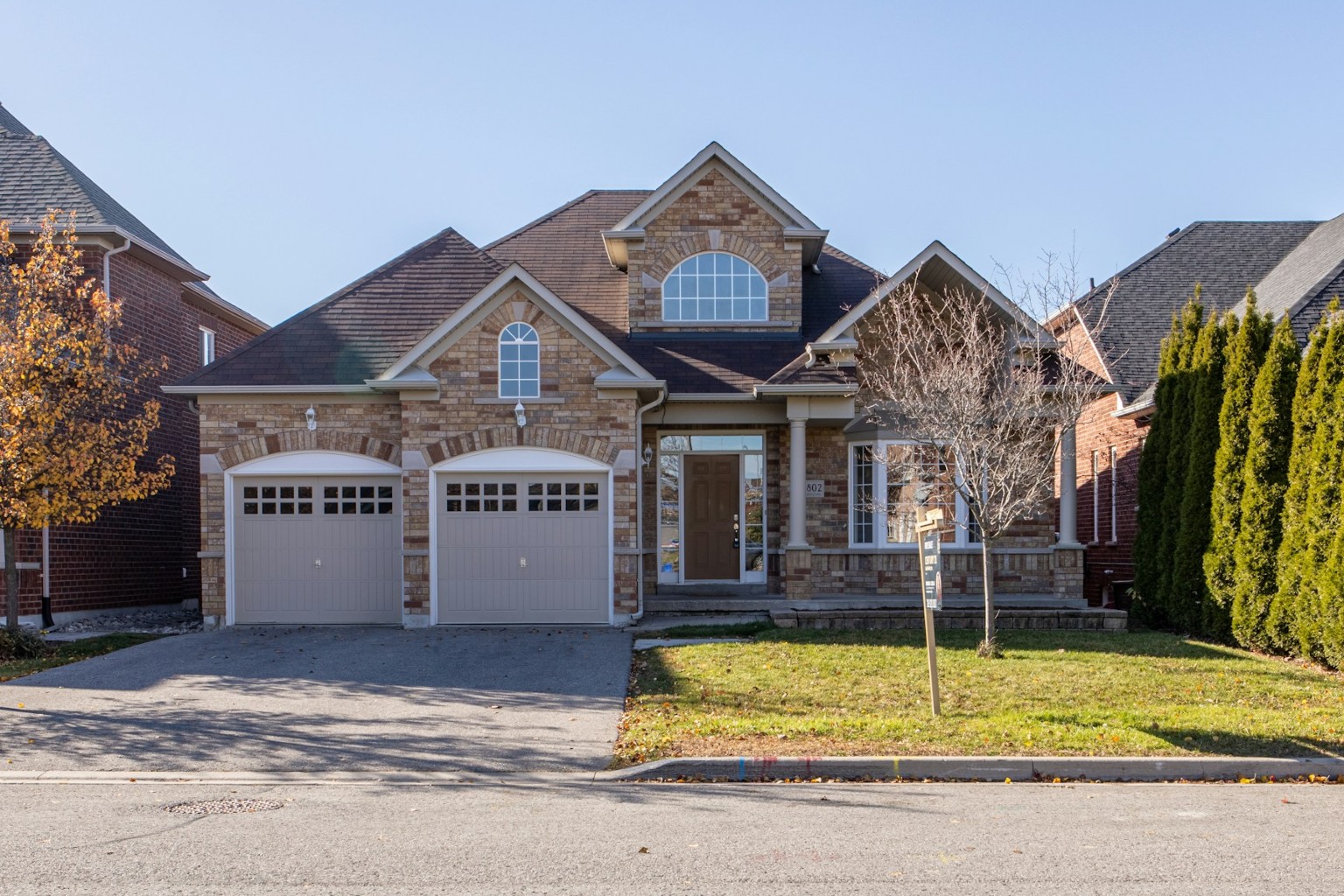
Examples — click to load into Photo on the left


Three steps: photo, description, then a before-and-after preview you can download. No drawing tools and no planting-plan canvas.
Most search results for a landscape plan or landscape design point to tutorials or drawing templates. This tool is built for a different job: see a redesign on the photo you already have.
Inspiration boards float away from the yard or street you own. A photo-based landscape plan keeps the real edges, house face, and paths in view so you can judge the idea against the place that will actually change.
You do not drag plants onto a blank canvas. You describe the redesign—keep the curb, add hedges, soften the fence—and the tool generates a full-image preview from that intent.

The goal is landscape-level change with structure preserved where you ask: house lines, major trees, road edges, and hard boundaries stay as anchors while planting and atmosphere update.

Optional moods help you test Modern, Natural, Cottage, or Mediterranean directions on the same photo so you pick a look before buying plants or hardscape.
A before-and-after frame gives family, clients, or contractors the same picture—less “I meant something else,” more concrete next steps.

Compare before and after, download a useful frame, and keep recent results in local History while you decide what to try next.

Each control answers a practical question: what is the site, what should change, what mood fits, and how do you compare the result?

Start from your own outdoor image. Change or clear the photo anytime. The preview stays tied to the site you captured—photo-based AI landscape design, not a generic stock layout.
Examples fill short intent copy for common spaces—front yard, backyard, street or plaza, park entrance—so you can edit from a clear starting sentence instead of a blank box.
Modern, Natural, Cottage, and Mediterranean moods add atmosphere language when you want a direction. Styles are shortcuts, not a filter-only workflow; your prompt stays the main instruction.
Choose Quality when you want the stronger redesign, or Fast when you want a quicker look. Framing matches your photo automatically so before-and-after stays comparable.
Slide between the original photo and the generated redesign. Enlarge for a closer look, then download when the direction feels useful.
Download a useful preview and keep recent results in History on the same device so you can compare versions before you commit to a real project.
Most people arrive with one outdoor decision: what to keep, what to change, and whether the idea is worth taking further.

Upload the current yard and test cleaner planting, a clearer walkway, or a softer seating corner before you buy materials. A landscape plan preview helps you decide what is worth quoting.

The same photo-to-redesign path works beyond the private lawn—street trees, plaza planters, or a park entrance path—so early concepts stay tied to the real site photo.

A before-and-after image gives everyone the same reference. Use it to settle a style debate at home or to show a client what “more green, keep the house” looks like.

You are not producing construction drawings. You are producing a visual brief: keep this edge, change that planting, try this mood—then hand the image to a local professional for real specifications.
“I uploaded our front yard and asked to keep the porch. Seeing hedges and a clean walk next to the real house made the choice easy.” — try Landscape Plan with your photo.

“Clients say ‘modern but not cold.’ I type that into the prompt, generate two moods, and we pick a direction in one meeting.”

“This is not a Canva planting template. It is my photo with the change I described. That difference mattered.”

“We used a street-edge photo to test planters and trees before talking to the city crew — same idea as the how-to steps below.”

“The before-and-after slider helped my partner and me agree on the backyard without arguing about Pinterest boards.” See the FAQ if you wonder what the preview is for.

“I download the preview as a visual brief. It is not a build plan, but it stops the ‘I meant something else’ loop.”

Common questions about creating an AI landscape plan from a real outdoor photo.
Upload an outdoor photo, describe the redesign, generate a before-and-after landscape plan preview for AI landscape design, and download a planning reference you can share.