




Bring Planting and Paths into One Picture
A mood board does not show your fence line or the shady side of the house. A photo keeps those edges in view so planting and paths can be judged together—real-site garden design, not a mood board.

Upload a garden photo, describe beds or paths, and preview an AI garden design here.
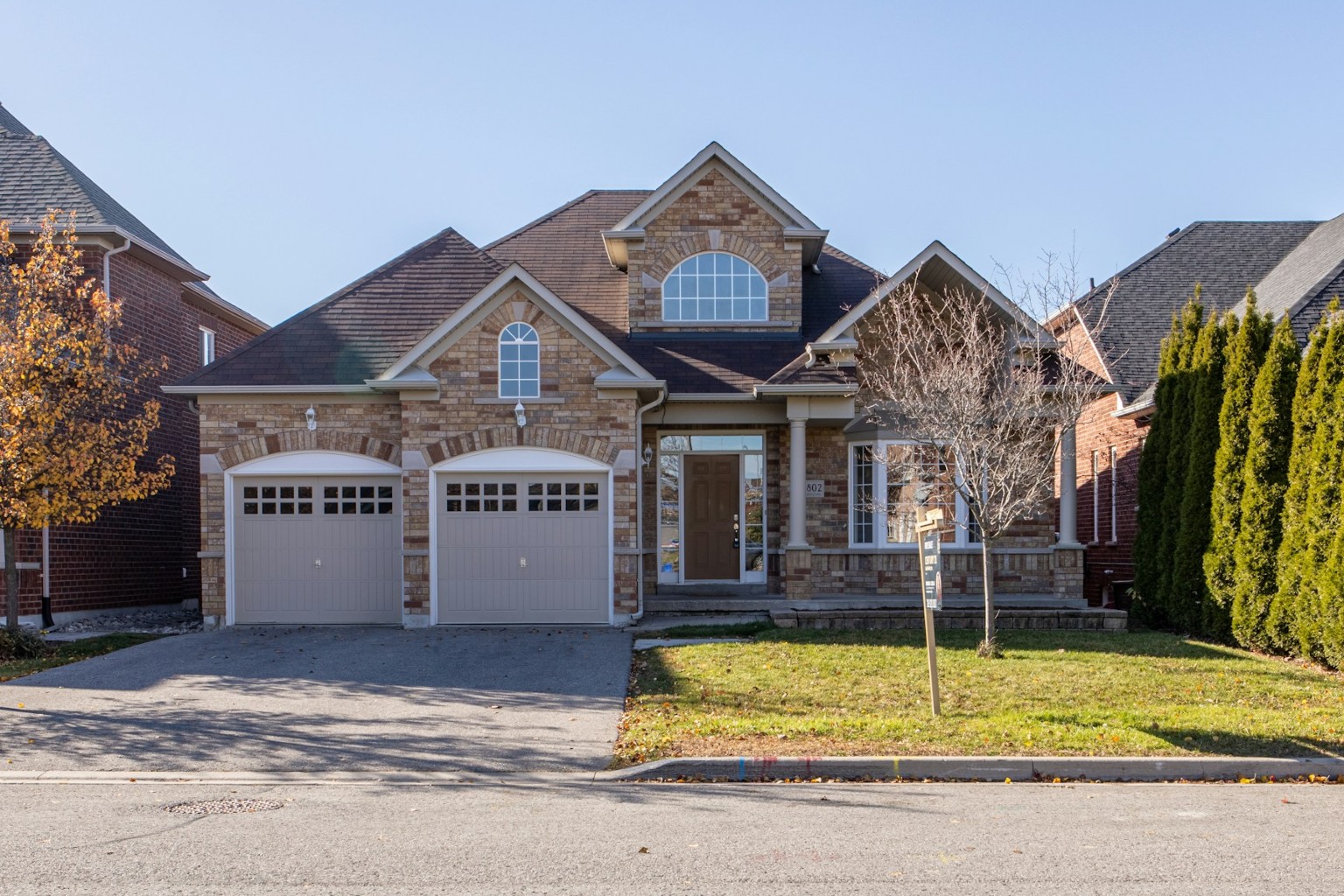
Garden sample — click the photo to load into Photo
Show the garden, describe beds and paths, then compare. This is AI garden design in three steps—not a blank garden planner.
Idea galleries and blank planners skip the whole picture. See the garden as a whole before you choose the details—an AI garden design on the photo you upload.
A mood board does not show your fence line or the shady side of the house. A photo keeps those edges in view so planting and paths can be judged together—real-site garden design, not a mood board.
Optional styles set a mood that should still fit the house and garden you uploaded. Describe planting or a path in plain language, then preview that intent as an AI garden design on the photo.

Ask how full or calm the planting should feel, and what must stay—the wall, a large tree, or a path you already like. The preview is for greenery and layout mood, with those anchors left alone when you say so.

Compare before and after, download the image, and keep recent tries in History. Use it to choose an AI garden design direction, then take the picture to a nursery or a designer.

Most visits start with one garden decision: what to plant, where a path should go, and whether the look is worth doing. These are AI garden design starting points—not a backyard living room or a patio dining set.

Upload a tight garden bed or narrow border and preview an AI garden design with fuller planting, a clearer edge, and a path that still fits the space you have.

Upload the bed along the house or fence and preview a cleaner edge, layered planting, or a softer line where the garden meets the wall.

Use a photo of a mature bed or overgrown border to test a simpler structure, a clearer path, or calmer evergreen frame before you dig.

Test a greener but simpler bed, fewer high-care flowers, or a calmer evergreen frame on the same photo so the choice is visual, not only a plant list.
Questions about AI garden design on your own photo, including how it differs from a blank garden planner.
Upload the garden you have, describe beds or paths, and compare before and after. Start your AI garden design direction here—an AI preview, not a CAD plan.